-
Giao hàng tận nơi
Thu tiền tận nơi trên toàn quốc
-
Đổi trả trong 7 ngày
Áp dụng cho một số sản phẩm
-
Bảo hành chính hãng
Đúng như mô tả của sản phẩm
Trung Quốc
Thương hiệu:
TP-Link
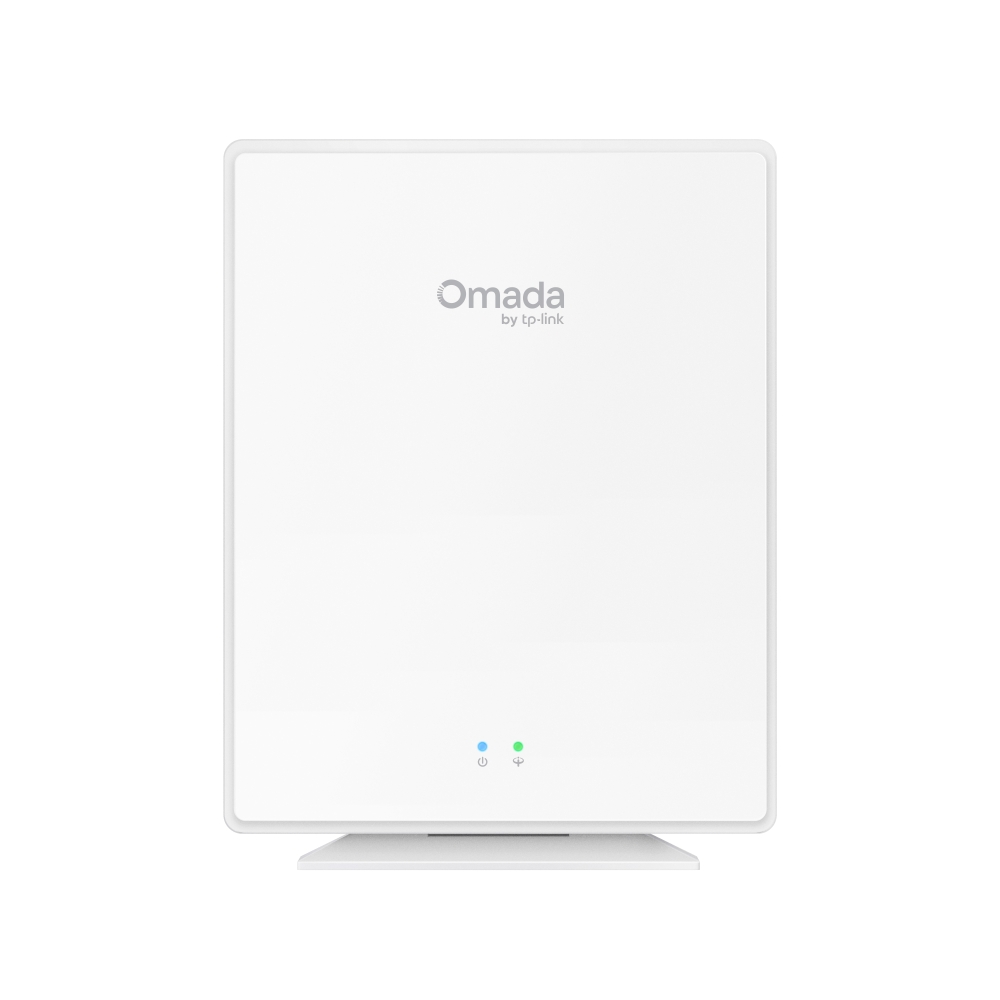
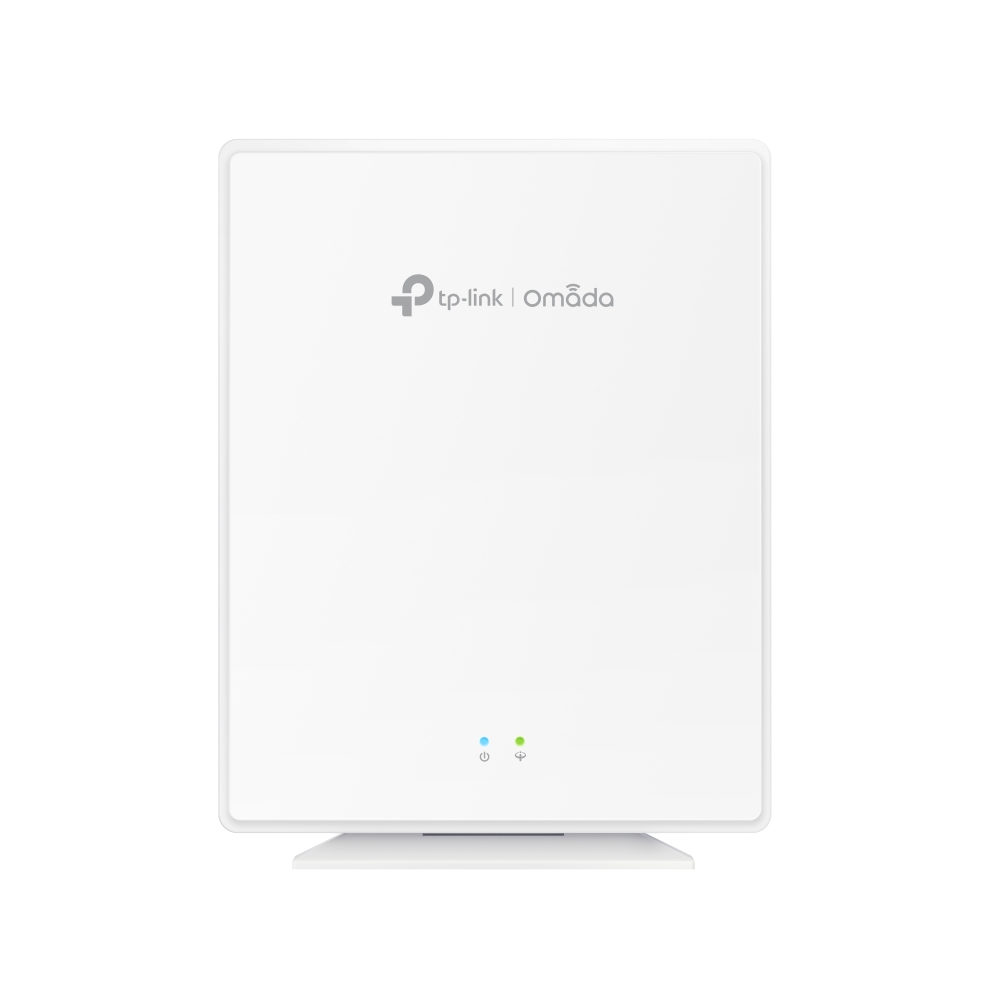
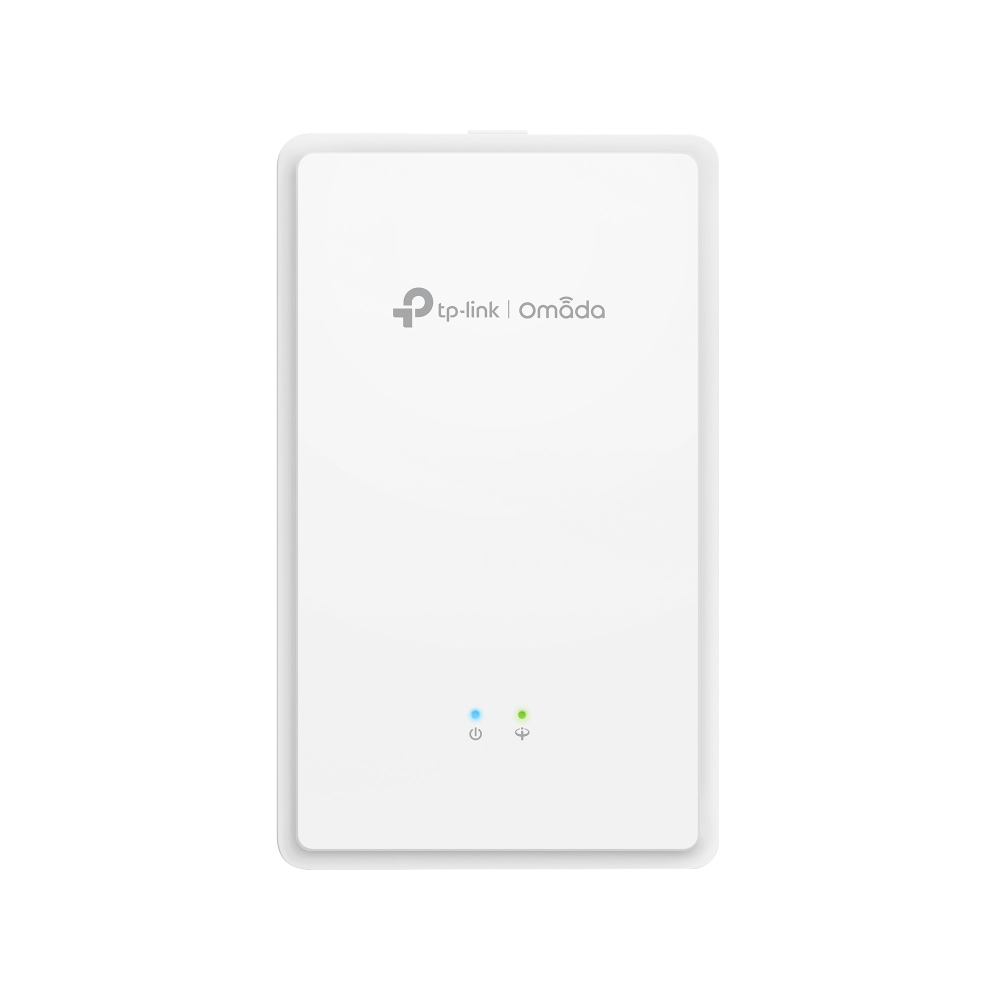
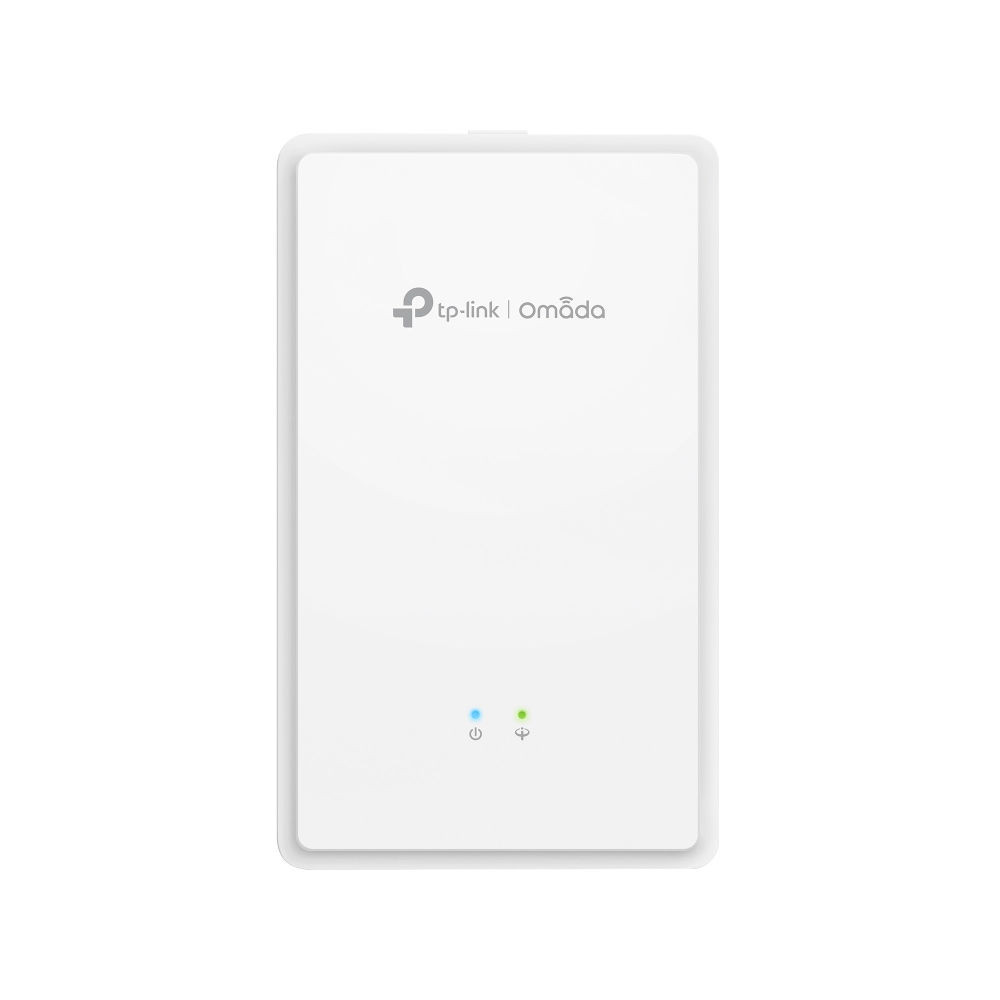
Thiết Bị Phát Sóng Wifi TP-Link EAP615GP-Wall | Omada AX1800 Wi-Fi 6 Wall Plate GPON Access Point
 Hàng chính hãng
Giá:
Liên hệ
- Tình trạng
- Hàng chính hãng - New 100% (CO, CQ đầy đủ)
- Part Number
- EAP615GP-Wall
- Kho hàng
- Liên hệ
- Mua nhiều
- Khách hàng cần mua số lượng vui lòng liên hệ 0396827937 - 0905663191 - 0901188385 - 0777621381 để có giá tốt.
- Mô tả
- Omada AX1800 Wi-Fi 6 Wall Plate GPON Access Point
- Review
- Xem tại đây
Vận chuyển
Giao hàng toàn quốc. Chúng tôi sử dụng các dịch vụ giao hàng của Viettel Post, Nasco, 247Express và những dịch vụ khác để giao hàng đến quý khách hàng trong thời gian sớm nhất.

AX1800 Wi-Fi 6 Wall Plate
GPON Access Point
EAP615GP-Wall
-
Integrates into Omada
Optical Networking -
Unified Management for OLT^ and Omada Devices
-
One Fiber,
Multiple Services -
WiFi 6
Gigabit ONU -
Omada Mesh#
& Seamless Roaming -
PPSK &
Captive Portal -
One-Click
Easy Setup -
AC Power
Supply
Complete Omada Optical Networking Solution
The Omada Optical Networking Solution delivers enterprise-grade gigabit passive optical networking. It seamlessly integrates essential components such as Omada switches, gateways, OLTs (Optical Line Terminals), and ONUs (Optical Network Units)—perfect for P2MP (point-to-multipoint) environments like hotels and MDUs.
-
Unified Management for OLT^ and Omada Devices
-
Quick, Easy
Adoption -
Easy
Setup -
Complete
Product Types -
Zero-Touch
Provisioning -
Easy
Monitoring
One Fiber, Multiple Services
Connect a fiber optic cable to the EAP615GP-Wall to connect cameras, PCs, and TVs to carry data, voice, wired and wireless internet, HD video, and VoIP services.
OND
(Splitter)
1× GPON Port
Fiber Cable
Copper Cable
RJ11 Cable
1× FXS RJ11 Port
2× Gigabit Ports
Phone
TV
Camera
PC
Seamless WiFi 6 Mesh Networking
Leverage GPON WiFi 6 technology for a robust and seamless network experience, delivering speeds up to 1.8 Gbps.*
Omada Mesh# and 802.11k/v roaming ensure a consistently smooth and reliable connection.
EAP615GP
-Wall
Roaming
EAP615GP
-Wall
TP-Link OLT^
Five-Step Installation
1. Detach the faceplate of the junction box with a screwdriver
2. Secure the mounting bracket
3. Connect the AC power cable
AC Power Supply
4. Connect the optical fiber
5. Attach the EAP to the mounting bracket
Sản phẩm liên quan