
-15%
-
Giao hàng tận nơi
Thu tiền tận nơi trên toàn quốc
-
Đổi trả trong 7 ngày
Áp dụng cho một số sản phẩm
-
Bảo hành chính hãng
Đúng như mô tả của sản phẩm
Latvia
Thương hiệu:
Mikrotik
Card PCIe định tuyến Mikrotik CCR2004-1G-2XS-PCIe
 Hàng chính hãng
Giá:
5.500.000 ₫
6.500.000 ₫
-15%
- Tình trạng
- Hàng chính hãng, new 100%, fullbox
- Part Number
- CCR2004-1G-2XS-PCIe
- Kho hàng
- Liên hệ
- Mua nhiều
- Khách hàng cần mua số lượng vui lòng liên hệ 0901188385 - 0907591863 - 0396827937 để có giá tốt.
- Mô tả
A smart PCIe network interface card that adds full-fledged router capabilities to your servers. The smart and easy way to create 25 Gigabit networks if you want to save space in your server room!
- Review
- Xem tại đây
Vận chuyển
Giao hàng toàn quốc. Chúng tôi sử dụng các dịch vụ giao hàng và thanh toán tại nhà (COD) của Giaohangtietkiem, Viettel Post, GHN và những dịch vụ khác để giao hàng đến quý khách hàng trong thời gian sớm nhất.
Save space in your server room by adding a real CCR2004.. within the server itself! This unique product combines a simple 2x 25 Gigabit PCIe Ethernet adapter with the impressive capabilities of a fully-fledged router.
By default, the PCIe interface will show up as four virtual Ethernet interfaces. Two interfaces in passthrough mode to the 25G SFP28 cages. Remaining two virtual Ethernet-PCIe interfaces are bridged with the Gigabit Ethernet port for management access. The user can configure all interfaces and settings freely since we are running fully functional RouterOS here.
To get this CCR device to work as an NIC, a new Passthrough mode was implemented. Basically, a FastForward FastPath mode that can also pass hardware link statuses.
This NIC can reach wire-speed (100Gbps) with Jumbo frames. It ensures that in most server setups this CCR network card will not be the bottleneck.
With 4 GB of RAM, 128 MB of NAND storage, and a powerful quad-core ARMv8 64-bit CPU, this device can handle a lot: firewalls, user management and access control for home media and file servers, and even some traffic control in data centers – without the need for a stand-alone router.
This form-factor does come with certain limitations that you should keep in mind. The CCR NIC card needs some time to boot up compared to ASIC-based setups. If the host system is up before the CCR card, it will not appear among the available devices. You should add a PCIe device initialization delay after power-up in the BIOS. Or you will need to re-initialize the PCIe devices from the HOST system.
We are looking forward to see your unique use-cases for this unconventional device: a simple high-speed networking card combined with a powerful Cloud Core Router.
Unleash the potential of your server with the fierce power of RouterOS!
Sản phẩm liên quan
Sản phẩm nổi bật
Mikrotik
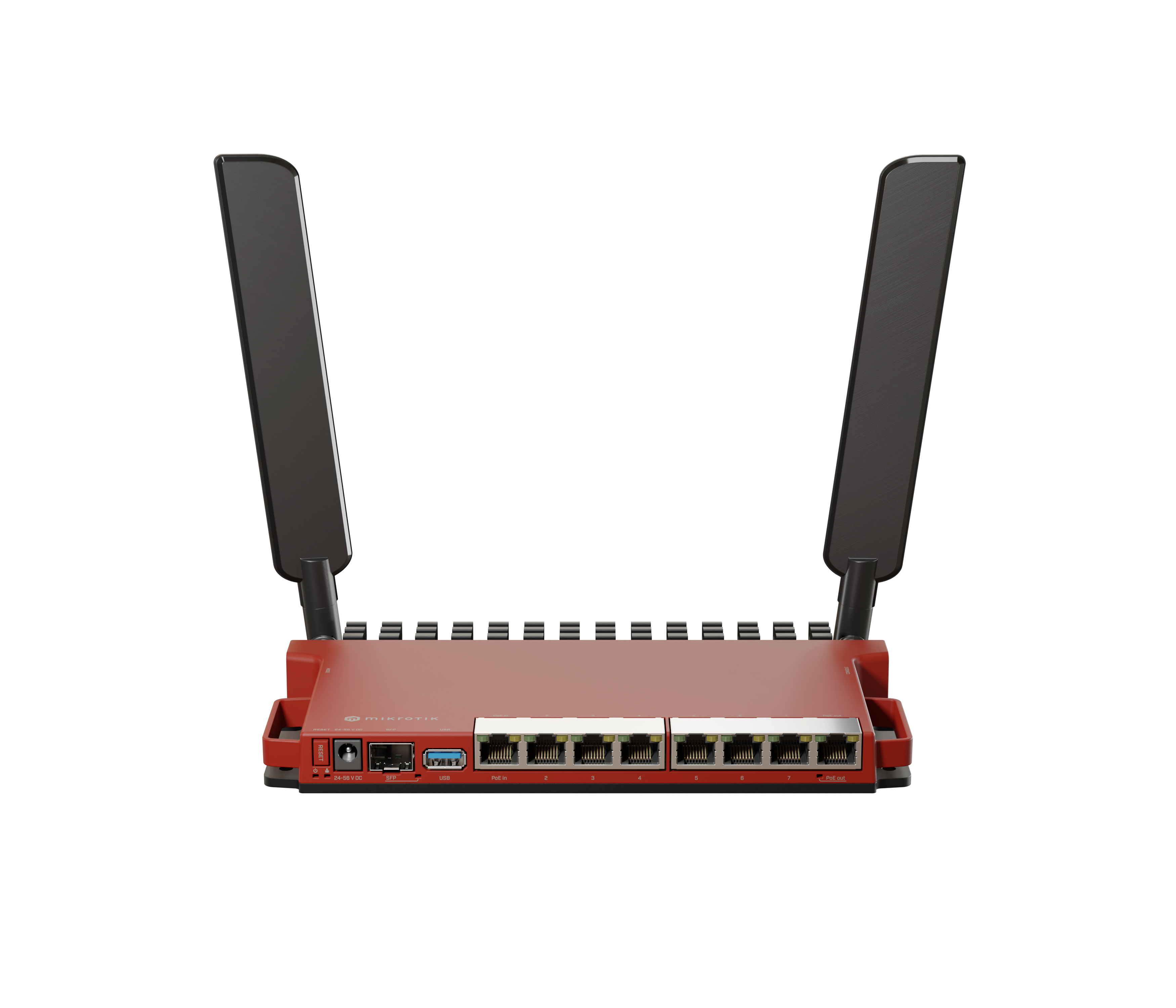
Thiết bị định tuyến và wifi Mikrotik L009UiGS-2HaxD-IN
Liên hệ
Yêu cầu báo giá
 -5%
-5%
 -4%
-4%
 -1%
-1%
Sản phẩm nổi bật
Mikrotik
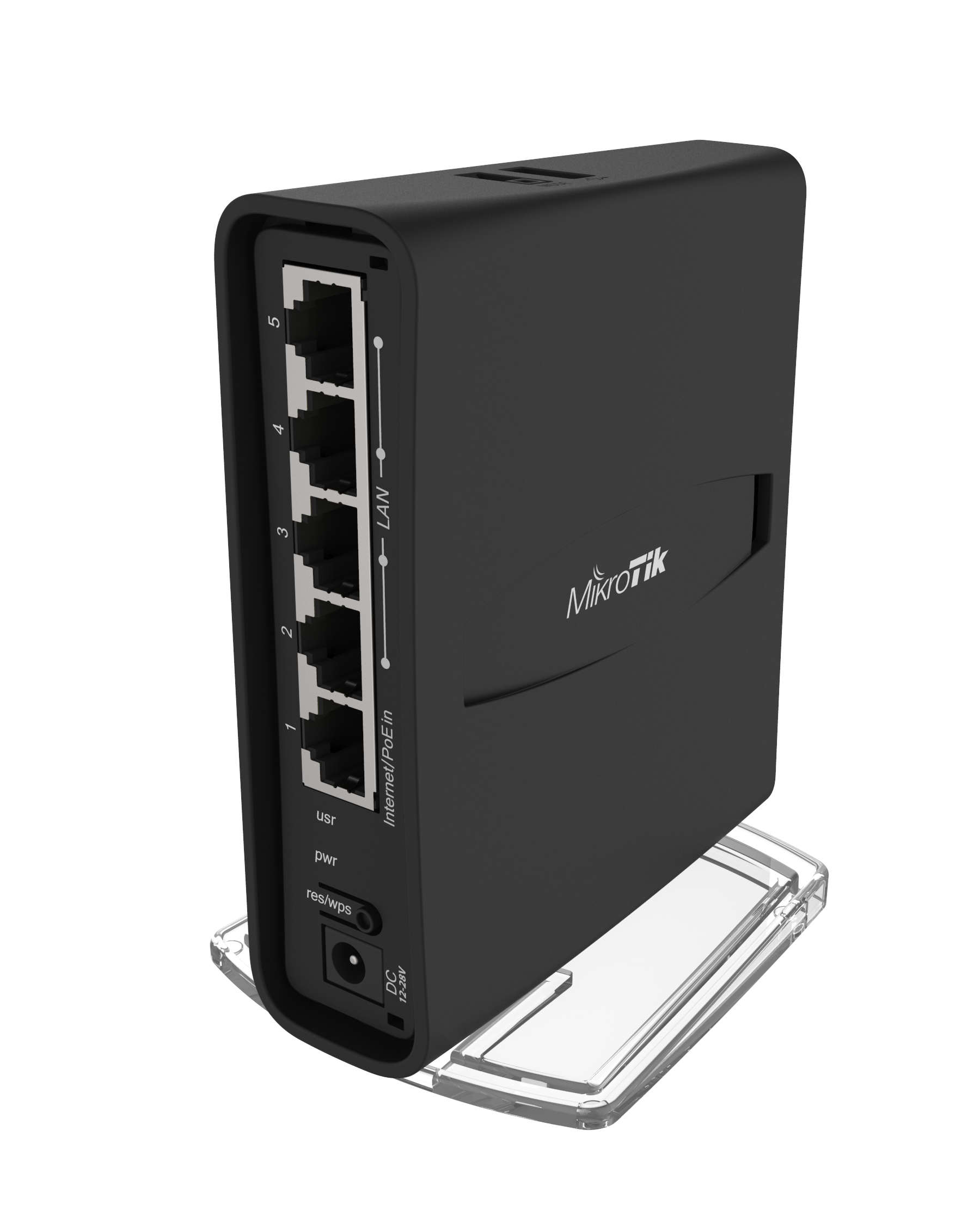
Thiết bị định tuyến Router wifi Mikrotik hAP ac² - RBD52G-5HacD2HnD-TC
2.000.000 ₫
1.980.000 ₫
 -7%
-7%
Sản phẩm nổi bật
Mikrotik
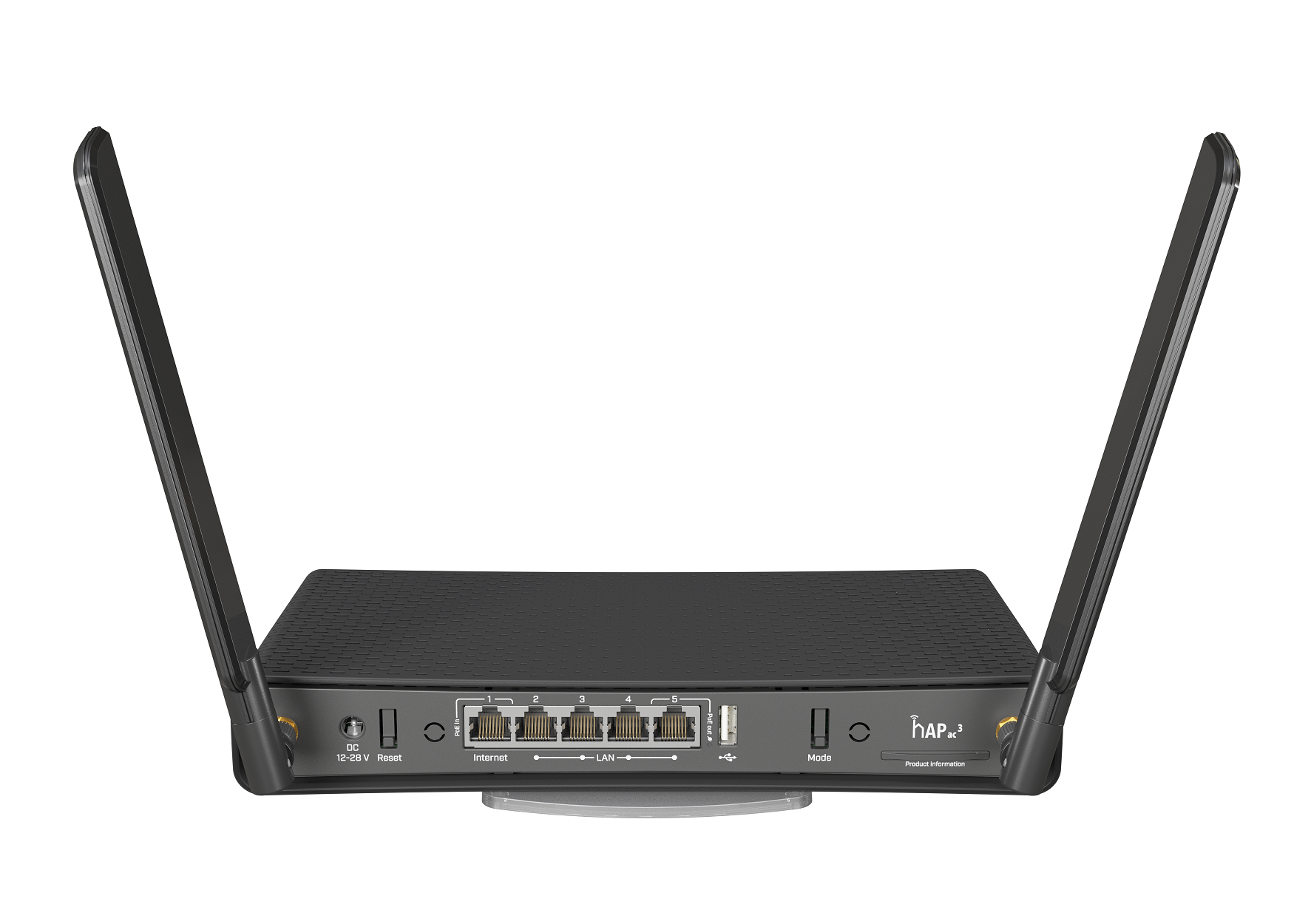
Thiết bị định tuyến Router Wifi Mikrotik hAP ac³ RBD53iG-5HacD2HnD
3.550.000 ₫
3.310.000 ₫